
- Odoo suits restaurants that want one system from the table to the ledger, not restaurants that want a better cash register.
- Out of the box: floor plans, kitchen routing, bill splitting, self-ordering, offline mode, multi-branch and loyalty.
- A technology partner such as Naqlah adds the parts Odoo does not ship: ZATCA onboarding per branch, the mada terminal integration, delivery apps, Foodics sync and Saudi payroll files.
- Naqlah recommends keeping Foodics and connecting it to Odoo; running Odoo at the counter is an equal option when the restaurant is opening or the POS contract is ending.
- Single outlets with a stable menu should keep their POS and accounting app.
Short answer: yes, for a restaurant that has grown past a single counter, and with two conditions. The restaurant has to want one system from the table to the ledger rather than a better cash register, and the parts that are specific to Saudi Arabia have to be built or configured by a technology partner such as Naqlah, because Odoo does not ship them.
This article is the honest version of that answer. It lists what Odoo does for a restaurant out of the box, what Naqlah adds for Saudi restaurants, and the restaurants it does not suit. If you are still deciding whether the question applies to you at all, ERP for restaurants in Saudi Arabia covers it from the start.
What Odoo does for a restaurant out of the box
Odoo's point of sale has a restaurant mode, and it is more complete than most owners expect from a general ERP.
- Floor plans and tables: each branch has its own floor plan, orders open against a table, and an order can be moved or merged when guests change tables.
- Kitchen routing: tickets print to the station that prepares them, or appear on a preparation display where the kitchen marks items as ready and the floor sees the status.
- Bills: print the bill before payment, split it by item or by share, and take tips at settlement.
- Self-ordering: a QR code per table lets guests order and pay from their phone, with payment after each order or after the meal, and a kiosk mode for counters.
- Offline operation: the cash register keeps taking orders when the connection drops and syncs when it returns.
- Multi-branch: one database, a cash register per branch, branch pricelists and promotions, separate stock locations and journals, and reports per branch and consolidated.
- Loyalty and gift cards: points, vouchers and eWallet balances that work across branches.
Behind the counter sit the applications that make it an ERP rather than a cash register: inventory with expiry dates and transfers, purchasing with supplier pricelists and reorder rules, manufacturing for recipes as bills of materials, accounting, HR, shift planning and maintenance for the kitchen equipment that fails on a Thursday night.
What a Saudi technology partner has to add
This is the part that decides whether an Odoo restaurant project succeeds, and it is where a generic implementation fails. Odoo does not ship these; the technology partner builds or configures them.
| Need | What Odoo provides | What the technology partner adds |
|---|---|---|
| ZATCA e-invoicing | Saudi localisation with simplified and standard invoices | Onboarding each branch journal to Fatoora with its own serial number and OTP, tested in simulation first |
| Card terminals | A terminal payment method and drivers for a handful of global providers | The integration to the mada terminal the restaurant actually has, so the amount is pushed to the device and the card type written back |
| Delivery apps | Nothing Saudi-specific | The Deliverect integration, so aggregator orders land in the kitchen and stock |
| An existing Foodics POS | Nothing | A sync of sales, payments and consumption from Foodics into Odoo, for chains that keep Foodics at the counter |
| Loyalty | Built-in loyalty programmes | The Bonat integration for chains already running Bonat |
| Payroll | Payroll application with Saudi rules | GOSI, Wage Protection System files and the shift-to-payslip link, or a sync from Jisr or ZenHR |
| Recipes | Bills of materials | The work of writing down every recipe with yields and loss, which most restaurants have never done |
None of these is exotic. They are the difference between an ERP that was installed and one that runs the restaurant. Naqlah's customisation work for food service is mostly in these seven rows.
Where Odoo is the right answer
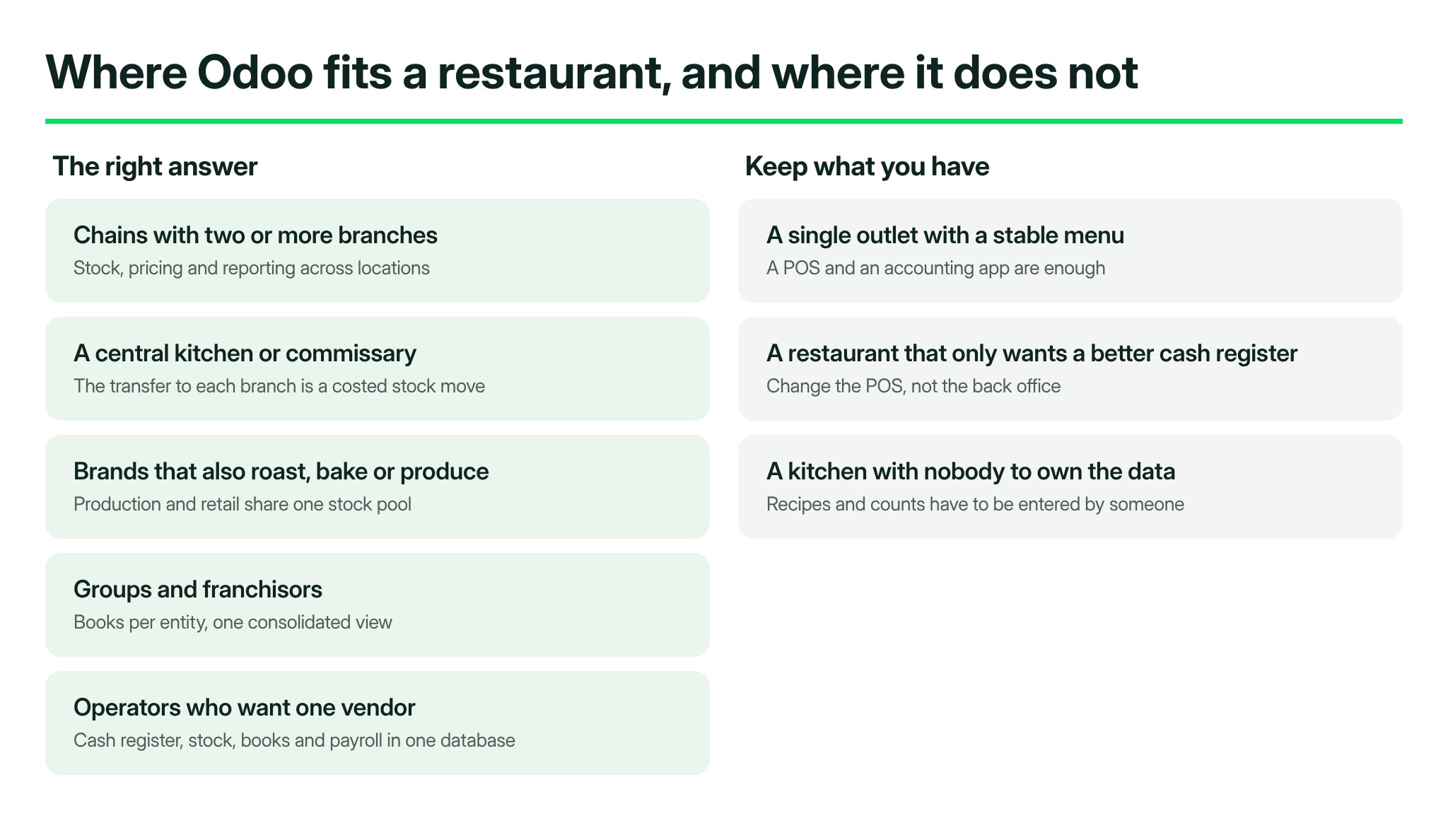
- Chains with two or more branches, where stock, pricing and reporting across locations is the daily problem. Odoo's multi-branch model was built for exactly this, and it is the setup in ERP for a cafe chain.
- Restaurants with a central kitchen or commissary, because the transfer from kitchen to branch is a stock movement with a cost, and Odoo records it as one.
- Brands that also roast, bake or produce, where production and retail share one stock pool. ERP for a coffee roastery with cafes is the worked example.
- Groups and franchisors that need per-entity books and a consolidated view, covered in Odoo ERP for franchisors.
- Operators who want one vendor for the cash register, the stock, the books and the payroll, rather than four subscriptions and three syncs.
Where Odoo is not the answer
Fairness cuts both ways, and these are the cases where we tell restaurants to keep what they have.
- A single outlet with a stable menu. A restaurant POS with an accounting app connected to it is enough. An ERP adds process before there is anything to process.
- A restaurant that only wants a better cash register. Foodics and Marn are mature restaurant cash registers with years of counter refinement. If the only pain is at the counter, change the POS, not the back office.
- A kitchen with no one to own the data. Recipes, stock counts and supplier bills have to be entered by someone. If nobody on the team will own that, the system reports a gap just as the spreadsheet did.
Odoo at the counter, or connected to the counter?
Both work. Naqlah's recommendation for restaurants already on Foodics is to keep it and connect it to Odoo: the cashiers keep the screen they know, and sales, payments and consumption reach the back office without retyping. Running Odoo at the counter is an equal option when the restaurant is opening or the POS contract is ending, and it removes the sync altogether. The setup for each model is in the two companion articles: payment before serving for counters and kiosks, and payment after service for table service and fine dining.
What an implementation looks like
- Discovery: map the path of one order from the table to the bank statement, list every system it touches, and write down the recipes that exist only in the chef's head.
- Configuration: branches, floor plans, menus, recipes, stock locations, suppliers, chart of accounts and VAT, before any data moves.
- Integration: card terminals, delivery aggregators, Foodics if kept, HR platform if kept, then test orders end to end including a split bill, a void and a refund.
- ZATCA onboarding: each branch journal to Fatoora in simulation, then production.
- Training: by role, on the restaurant's own menu, with real orders. Cashiers, kitchen, store, accountant and manager each need something different.
- Go-live and the first close: in a quiet month, never the fortnight before Ramadan, with the technology partner on call for the first month end.
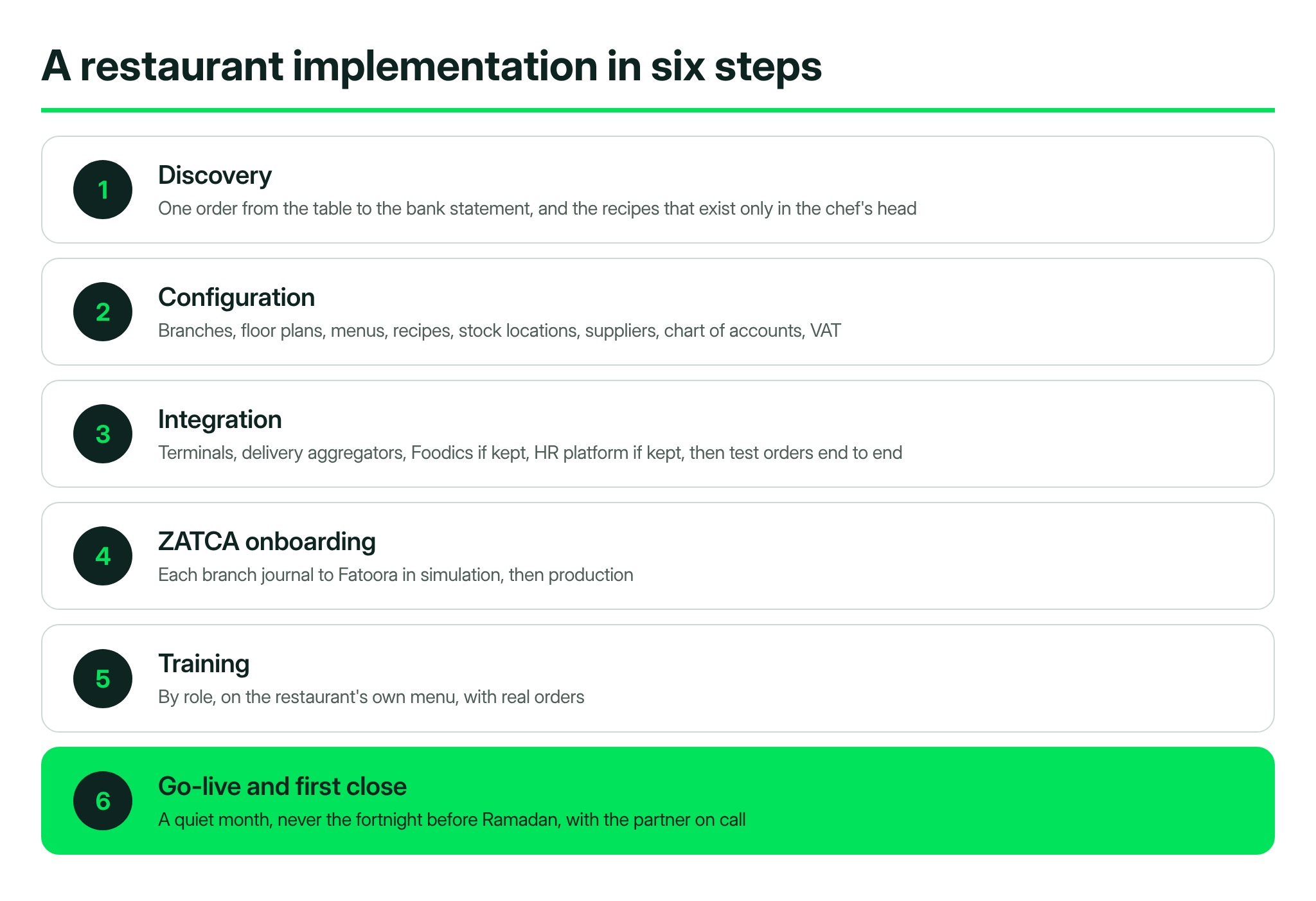
Naqlah's implementation service runs these six steps, and the first monthly close is the acceptance test. If you want to see whether your own restaurant is at that point, book a free consultation.
